New things you can do in the designer, with a new spotlight every couple of weeks.
What's new
New things you can do in the designer, with a new spotlight every couple of weeks.
Spotlight
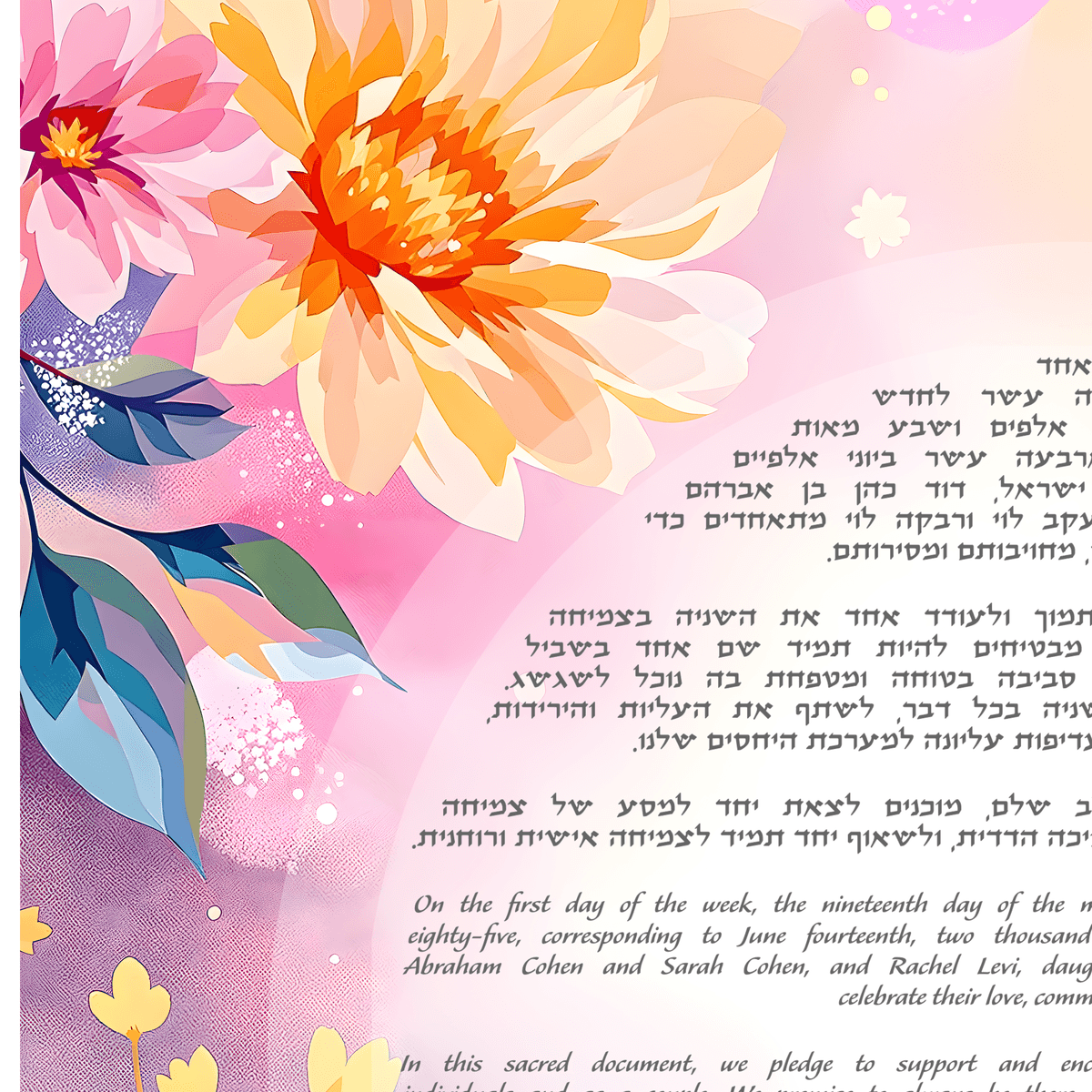
Write it in English, get the Hebrew too
Writing your own ketubah text? Turn on Auto-translate (the 文A button above your text), type your English, and the Hebrew is written for you as you go.
The Hebrew follows a ketubah’s own style: the weekday as באחד בשבת, the date and year in words, and a name like Judith or Aaron in its Hebrew spelling, יהודית or אהרן. Your date is translated as you wrote it. Treat it as a first draft and ask your rabbi to look it over before you order.
Browse the Gallery for finished designs in all six of our art styles, then open one and make it yours with your own text and names.
The design opens in the designer with Touch Up ready, so you can change its colors before you add your words. Find Gallery in the menu on your computer or your phone.
Open any design in the Gallery and try new colors on it right in the designer, no account needed.
Slide Hue, Saturation and Lightness and watch the colors change. When you want to keep it, sign in or create an account, and your design and your changes are waiting.
On your phone, tap "Ellipse" and circle the part you want to change, or tap "Paint" to brush over it. Pinch to zoom in on the details.
Your selection adds up as you go, so you can circle one flower, then another. Then recolor, remove or replace what you've selected, and see the result before you save changes to your design.