
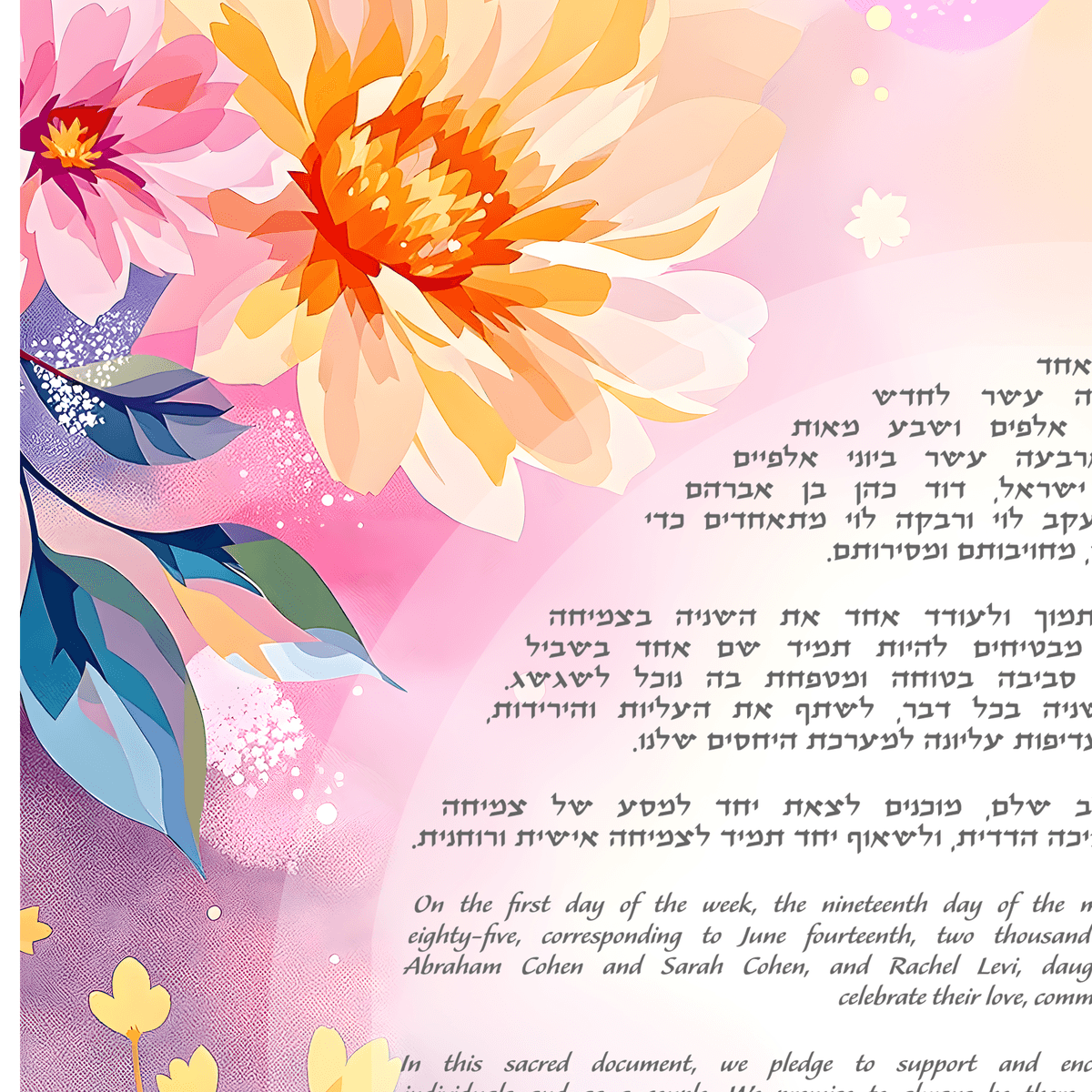
Designing a ketubah is two jobs in one. There's the art — the part where you describe a vision and watch it become something beautiful. And then there's everything around it: getting the Hebrew and English names exactly right, picking a text tradition, polishing the wording, and getting a clean proof in front of your officiant and the people you love before the big day.
The art is the fun part, and it stays exactly where it belongs — hands-on, on the site. But the words and the logistics? Those you can now hand off to an AI assistant you may already be using every day.
What This Actually Is
Diyo/Art now supports a secure connection between your account and the AI assistant of your choice — Claude, ChatGPT, and other compatible assistants. Once connected, you can simply talk to your assistant ("set the wedding date to June 18th," "help me word a line about our two families becoming one") and it makes those changes in your Diyo/Art workspace directly.
Think of it as giving your assistant a careful, limited set of keys to your ketubah project. You're still in control — you review everything, and you can disconnect at any time.
What Your Assistant Can Do
Once connected, your AI assistant can take care of the time-consuming, detail-heavy work of building out your ketubah:
- Fill in your details: Enter and update your personalization — names, Hebrew names, wedding date, location, and the other fields your text requires — through conversation instead of typing into a form.
- Choose a text tradition: Browse the available ketubah texts and select the one that fits your ceremony, whether that's Orthodox, Conservative, Reform, interfaith, secular, or egalitarian.
- Write and refine your text: Draft a custom text from scratch, or take an existing one and adjust the tone, the vows, or a single phrase until it sounds like the two of you.
- Send a proof to your officiant: Email your text to your rabbi or officiant for review, so they can check it well before the ceremony.
- Share with family and friends: Send the text to the people whose blessing or input matters to you — and pull back access whenever you'd like.
In other words, your assistant can handle nearly the entire "paperwork" side of your ketubah, from the first blank field to a finished, reviewed text.
What It Can't Do — and Why That's on Purpose
Here's the one important boundary: your AI assistant cannot create or change your artwork. It can't generate a design, edit an existing one, or alter how your ketubah looks.
That's a deliberate choice. Your ketubah's art is the most personal, expressive part of the whole process, and it deserves your eyes and your taste — not a hand-off. Generating and refining your design stays where it should: in the design tool on the site, guided by you. The assistant takes care of the words and the errands so you have more attention left for the part only you can do.
Where It Really Shines: Writing Your Text in Your Own Words
This is where connecting an assistant sets itself apart. Many wedding and ketubah tools include a "suggest text" button that hands you a few pre-written options to choose from. That's a helpful starting point, but it's a one-way street — you take what you're given, and shaping it further is up to you.
A connected assistant works the other way around: you stay in charge of the language, and it does the writing you direct. You can set the tone ("warm and personal, but not flowery"), ask for something specific ("add a line about building a home rooted in both our traditions"), tighten a single phrase, or rework an entire passage — as many times as it takes. Nothing is committed while you experiment. When the text finally reads the way you've always pictured it, you just tell the assistant to set it as your ketubah text.
Whether you're starting from a traditional text and making it your own or writing something entirely original, the result sounds like the two of you — not like a template. For a lot of couples, that back-and-forth is the difference between a ketubah text they settled for and one they truly love.
Why Couples Find This Useful
Wedding planning is a hundred small tasks competing for your time. The text of your ketubah is something you want to get exactly right, but the back-and-forth — tweaking a line, re-checking a spelling of a grandparent's Hebrew name, remembering to forward the latest version to your officiant — is exactly the kind of work that's easy to put off.
Working through an assistant turns that into a quick conversation. You can refine your wording on your commute, ask it to send the proof to your rabbi the moment a line is settled, and keep everyone in the loop without logging in and clicking through forms each time.
A Few Ways to Use It
If you're wondering what this looks like in practice, the quotes below are simply examples of what you might type or say to your assistant in plain, everyday language. There are no special commands to learn — you just ask, the way you'd ask a helpful friend, and your assistant takes care of the rest in your Diyo/Art workspace:
- "Walk me through the details you still need for our text, and let's fill them in one at a time."
- "Our text feels a little formal — can you soften the opening lines while keeping the traditional structure?"
- "That looks good. Email it to our officiant for review, and share a copy with my mom."
- "Compare the egalitarian and interfaith texts for us, then set the one that fits an interfaith ceremony."
Is It Secure?
Yes. The connection uses a private access token tied to your account, and it only exposes the specific actions described above — never your password or your payment details. You decide when to connect, and you can revoke access at any time. And because the assistant can't touch your artwork, the most irreversible, creative part of your ketubah is never out of your hands.
How to Connect
Once you're signed in, look for Connect AI assistant in the menu at the top of the page. From there you'll get step-by-step instructions for linking Claude, ChatGPT, or another compatible assistant to your account. It takes just a couple of minutes, and you only have to do it once.
Ready to Try It?
Whether you're starting from a blank text or putting the final polish on one you love, your AI assistant can carry the words and the logistics while you focus on the art.
Sign in to your Diyo/Art account, open Connect AI assistant from the menu, and let your assistant help you build a ketubah that's ready to sign, share, and display for a lifetime.